
Plugin Download & Installation
Online Installation (VPN Required, Auto-updates after installation)
Google Online Store (VPN Required)
Click this link, then click 【Add to Chrome】 to install
Offline Installation
- Local Download & Install
-
Type in browser address bar: chrome://extensions/ to go directly to【Extensions Management】
-
Activate【Developer Mode】in the top right corner.
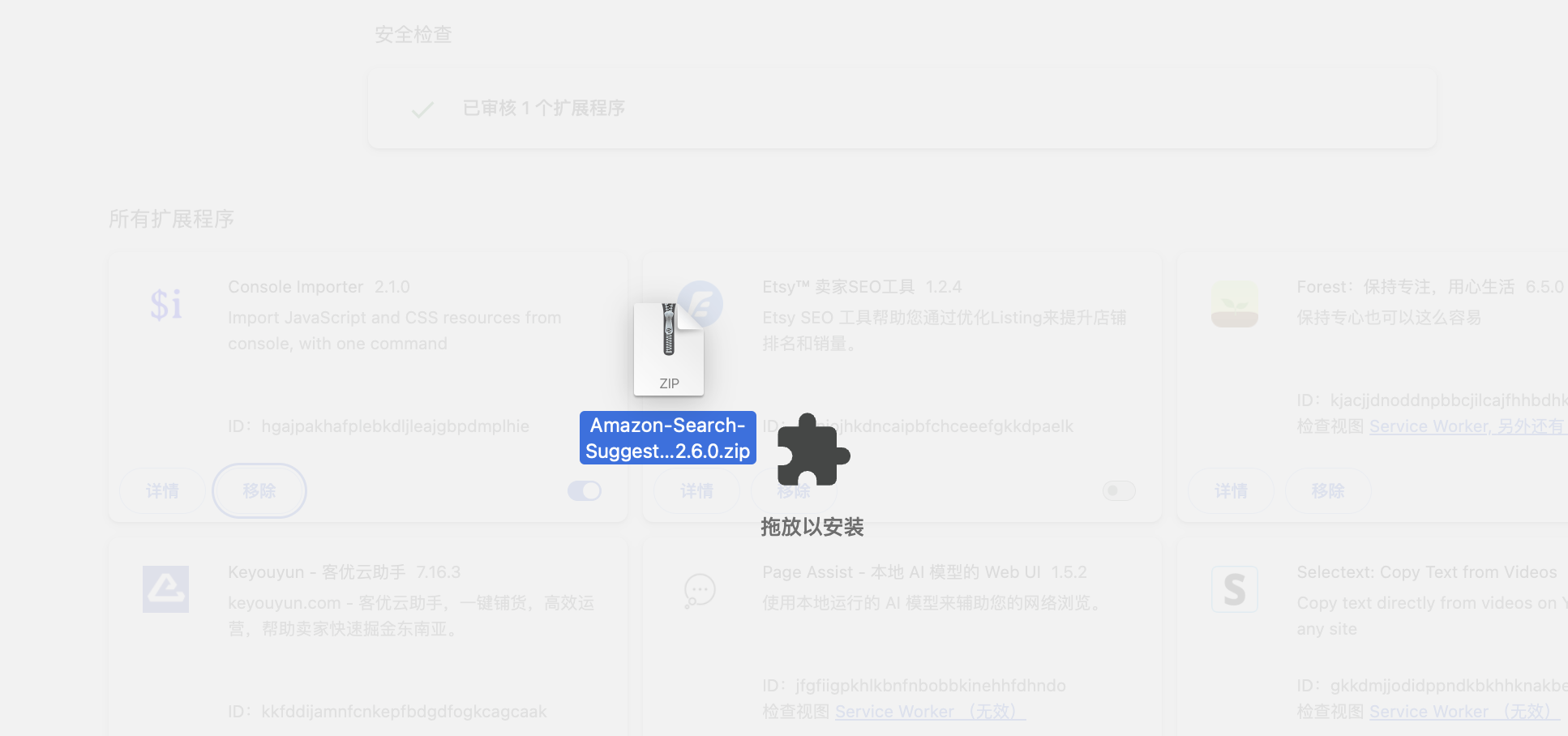
- Drag the zip file to this page, and the browser will install it directly
- Or extract the downloaded zip file, then click
Load unpacked extensionin the top left corner and select the extracted installation package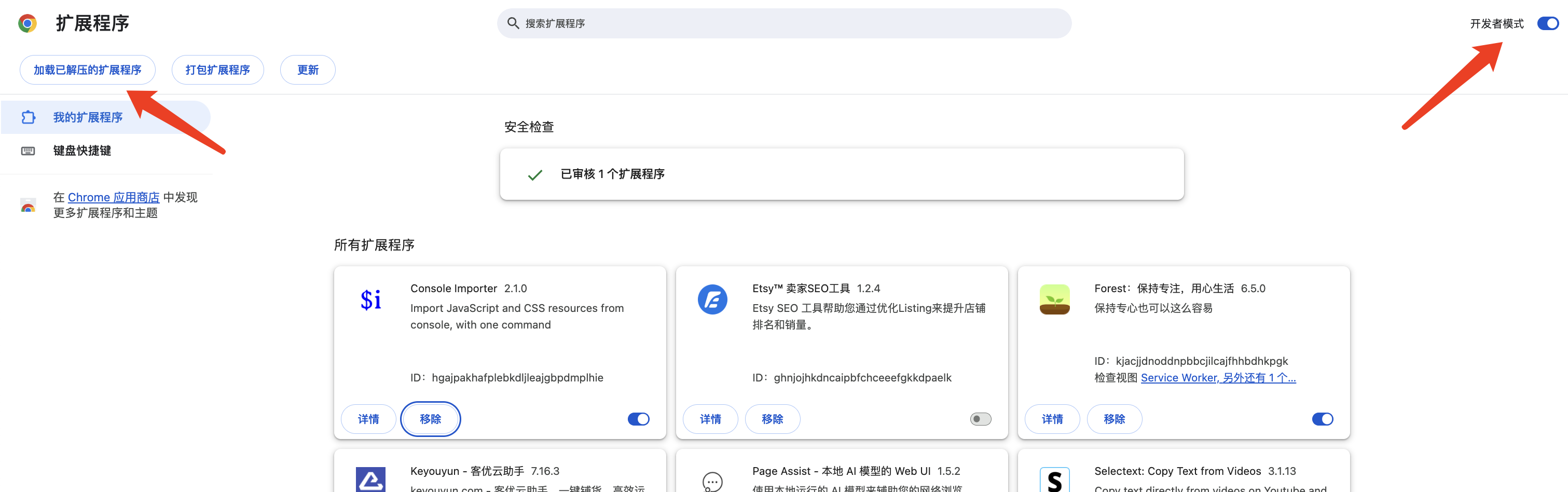
- Drag the zip file to this page, and the browser will install it directly
Friendly Reminder
Note: After installation, this installation package cannot be deleted or moved, otherwise the plugin will not work!
ON THIS PAGE