
Sales/Revenue/Rating Comparison Analysis
Friendly Reminder
To use this feature and load data from corresponding platforms, you need to log in to the corresponding websites first so the plugin can access the data. For example: to get Seller Sprite data, you need to log in to Seller Sprite's website first
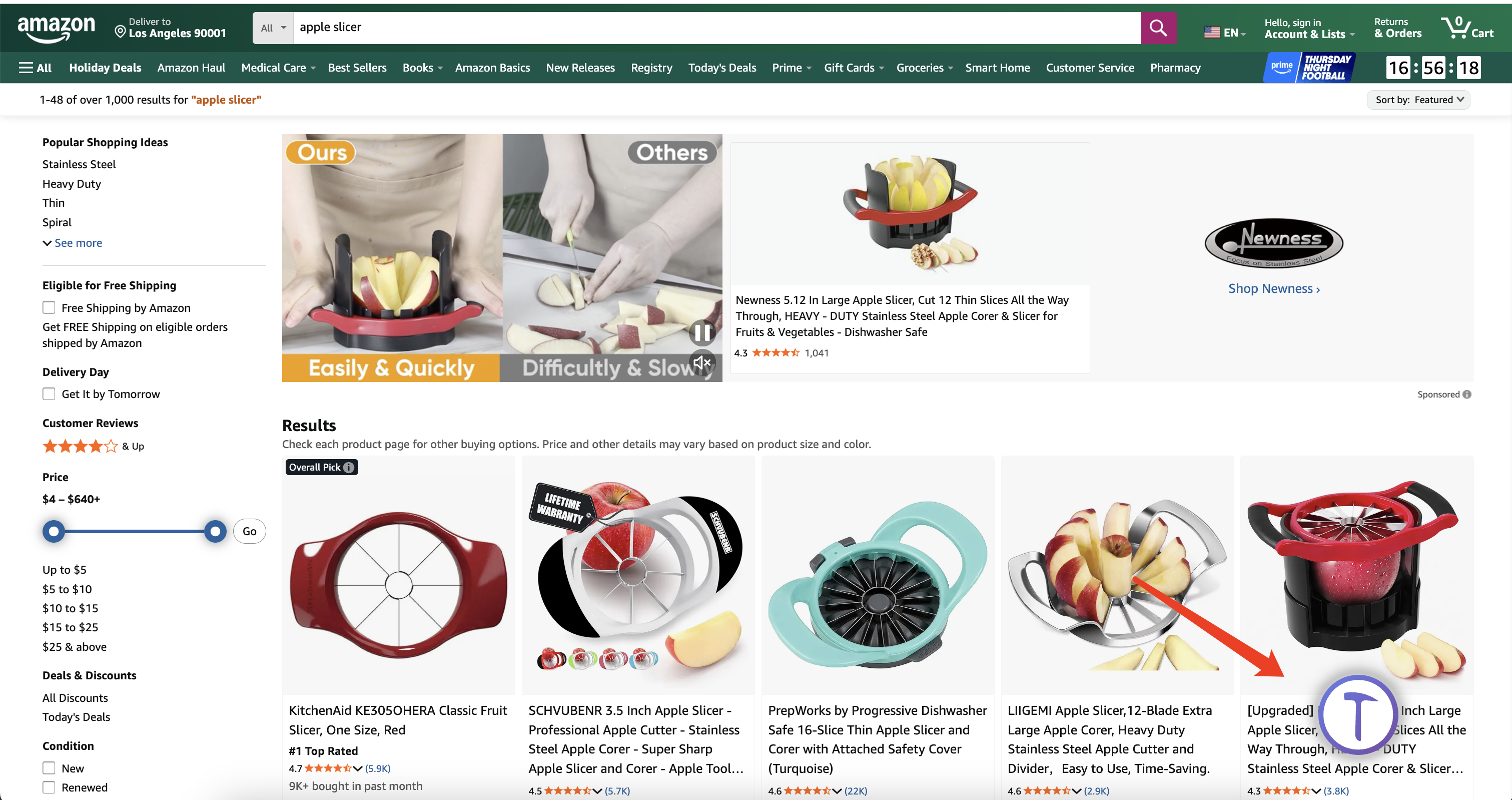
- After plugin installation, on Amazon's
keyword search page, ranking page, you can click to open and load the current page's data
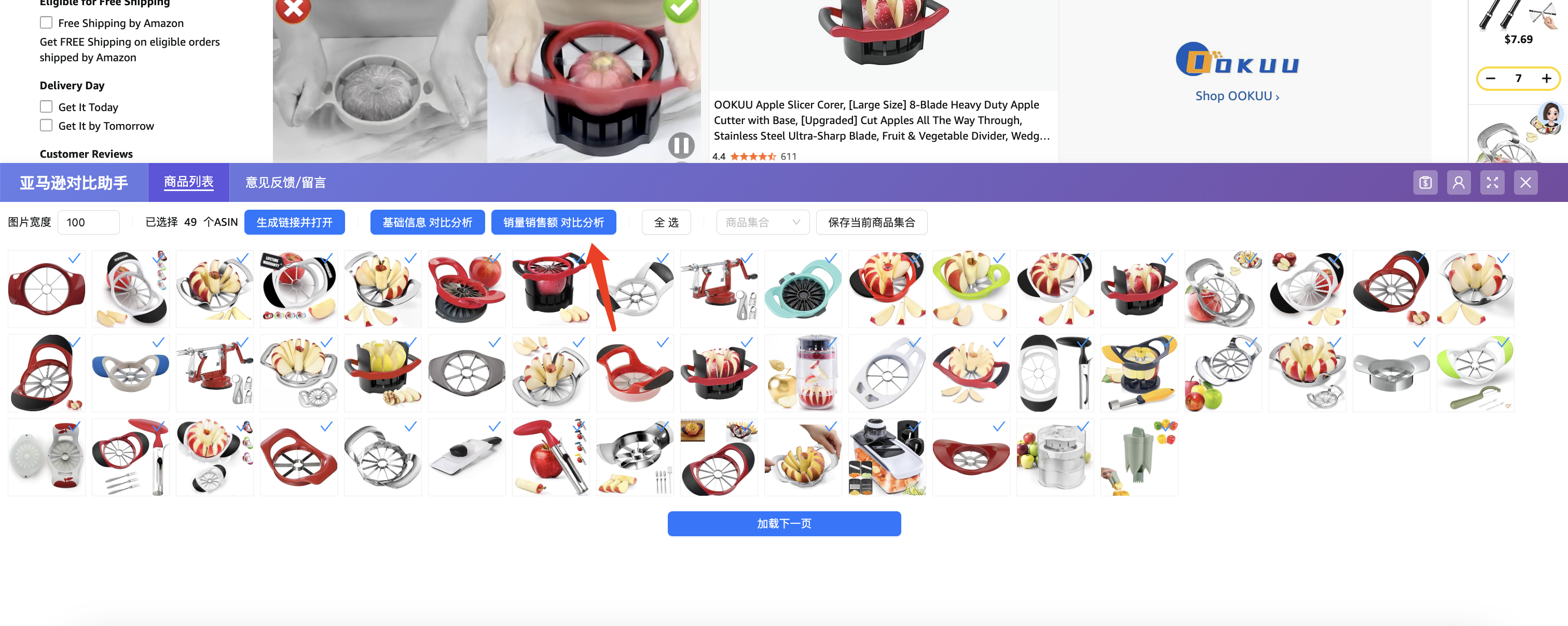
- After the plugin opens, it will load the current page's data, you can click "Load Next Page" to load more data
- At this time, you can click to select products you want to compare (by default all are selected, you can uncheck to exclude from comparison, hover over images to see detailed product information)
- After selection, click the
Sales Revenue Comparison Analysisbutton at the top to load a new page displaying all selected products
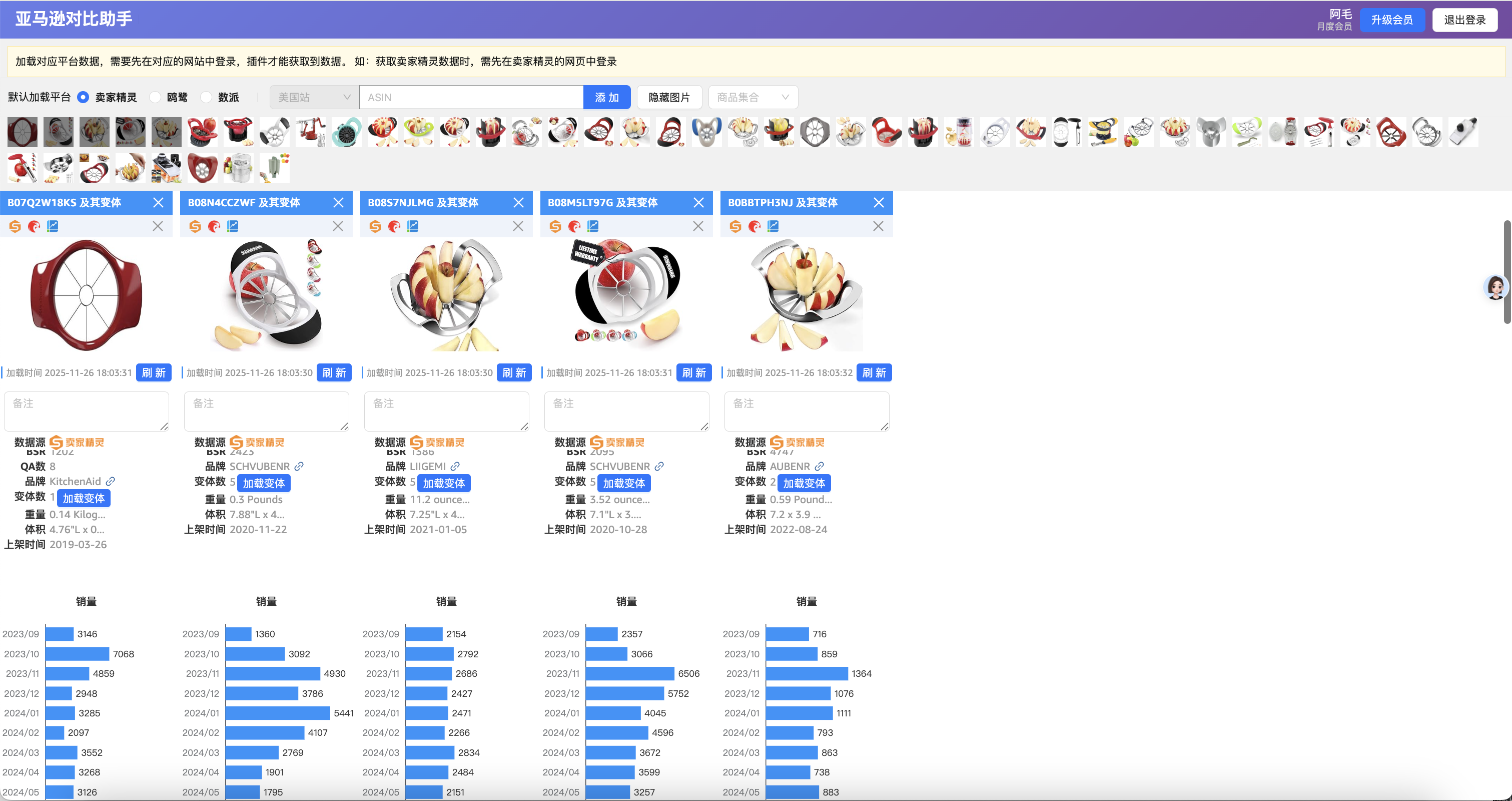
Friendly Reminder
Click the image at the top to load the corresponding ASIN